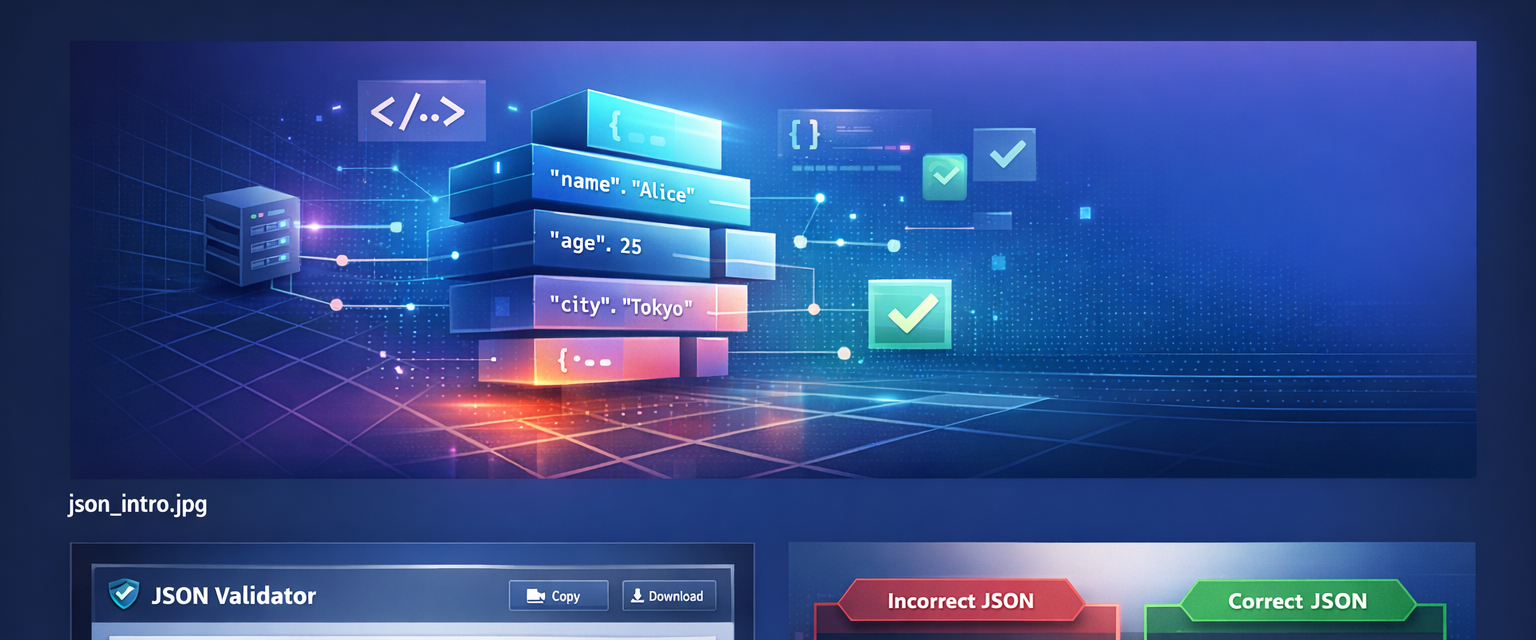
Common JSON errors (and the exact fix)
1) Missing comma
Typical messages: “Expected ',' or '}'” or “Unexpected string”.
{
  "name": "Clickoz JSON Formatter"
  "type": "tool"
}
Fix: add the comma.
{
  "name": "Clickoz JSON Formatter",
  "type": "tool"
}
2) Single quotes instead of double quotes
JSON is strict: keys and strings must use double quotes.
{
  'name': 'Clickoz'
}
Fix:
{
  "name": "Clickoz"
}
3) Trailing comma (not allowed)
A trailing comma appears right before } or ].
{
  "a": 1,
}
Fix: remove the last comma.
{
  "a": 1
}
4) Mismatched braces or brackets
Everything that opens must close: { } and [ ].
{
  "items": [1, 2, 3
}
Fix:
{
  "items": [1, 2, 3]
}
How to read line/column errors
The error pointer often shows where parsing failed, not necessarily where you made the mistake. In practice, the issue is commonly right before the highlighted spot. Prettifying first makes this much easier.
Copy-ready examples
Messy one-liner → readable JSON
{"product":{"name":"JSON Formatter","version":"2026","features":["prettify","validate","minify"],"pricing":{"free":true,"pro":false}}}{
"product": {
"name": "JSON Formatter",
"version": "2026",
"features": ["prettify", "validate", "minify"],
"pricing": {
"free": true,
"pro": false
}
}
}Prettify vs validate vs minify
| Action | What it does | Use it when |
|---|---|---|
| Prettify | Makes JSON readable (indentation + line breaks). | Debugging, editing, reviews |
| Validate | Checks strict JSON rules. | Always, before you paste/ship |
| Minify | Removes whitespace to reduce size. | Production, storage, transfer |
JSON and SEO (JSON-LD)
Structured data (JSON-LD) must be valid JSON. One trailing comma or wrong quote can make Google ignore the markup. If rich results aren’t showing, validate your JSON-LD first.
Related tools
- JSON Formatter — prettify, validate, minify
- URL Encoder / Decoder — safe query parameters
- Base64 Encode / Decode — inspect tokens & payloads
FAQ
Why does JSON parsing fail?
Most issues are missing commas, single quotes, trailing commas, or mismatched braces/brackets. Fix the first reported error, then validate again.
Are trailing commas allowed in JSON?
No. Remove the final comma inside objects or arrays.
Should I prettify or minify JSON?
Prettify while debugging/editing; minify only when shipping.
Does JSON matter for SEO?
Yes. JSON-LD must be valid JSON or search engines may ignore it.
On this page
Last updated: 2026-02-15 · Browse all guides